

WhatsApp QR Codes: Start a Chat with One Scan
WhatsApp is the default customer support channel in much of the world. A QR code gets someone chatting with you in one scan, no typing your number.
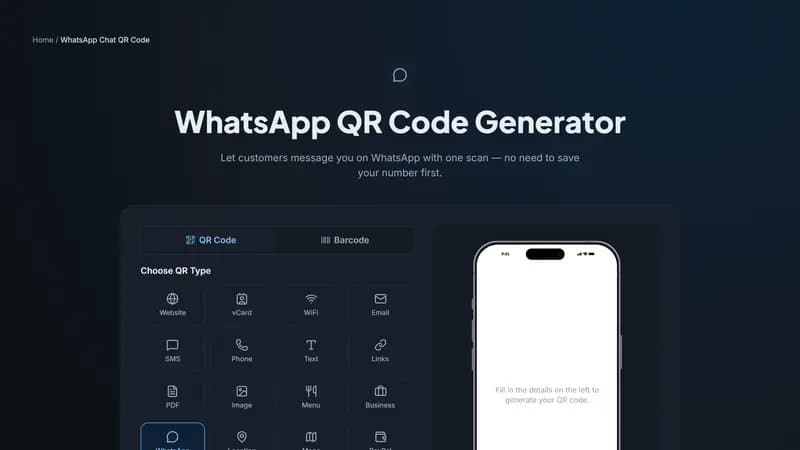
How a WhatsApp QR code works
Scanning this type opens WhatsApp with a chat to your number already started, and — if you set one — a pre-written first message sitting in the text field ready to send. The person just taps send, or edits the message first. This uses WhatsApp's own wa.me link format under the hood, so it works reliably on both WhatsApp and WhatsApp Business.
Why the pre-filled message matters for support and sales
A pre-written message like 'Hi, I'd like to ask about [Product]' does two things at once: it removes the awkward 'what do I even say' moment that stops some people from reaching out at all, and it gives your team immediate context on why someone is messaging, before you've even replied.
Where businesses use this heavily
Storefronts and product packaging in regions where WhatsApp is the default way customers expect to reach a business — much of South Asia, Latin America, and parts of Europe and Africa. Restaurant table cards for takeaway orders placed directly over chat. Real estate and car listings, where a QR code lets an interested buyer start a conversation about a specific listing immediately.
Generate your WhatsApp QR code
Enter your WhatsApp number in full international format above, add a pre-filled message if you'd like one, and download the code. Test it with your own phone first to confirm the chat opens to the right number.


Comments (0)
No comments yet — be the first.
Ready to create your WhatsApp Chat QR code?
Free, no sign-up, and it works in your browser.
WhatsApp Chat QR code generator