

How to Create a QR Code for a YouTube Video or Channel
A YouTube QR code opens straight into the app when the scanner has it installed, skipping the browser entirely for a smoother viewing experience.
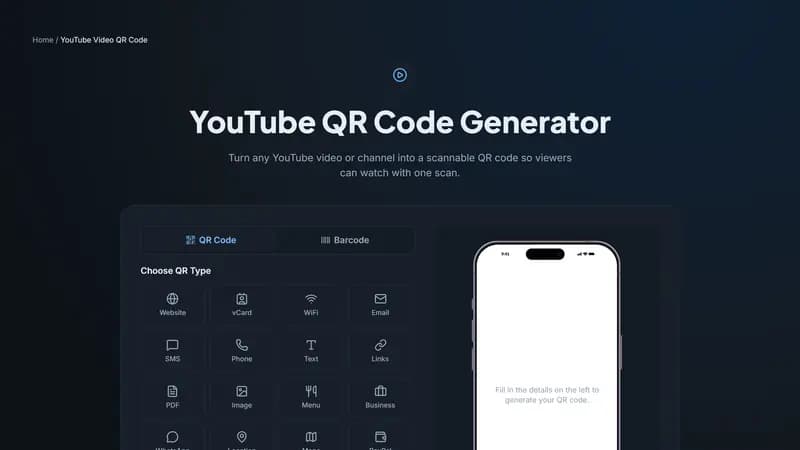
Video-specific or channel-wide — pick based on the goal
Link to a specific video when the goal is getting someone to watch exactly one piece of content — a tutorial, a product demo, a testimonial. Link to your channel when the goal is building a subscriber base or letting someone browse your full catalog rather than watch one thing.
Print and packaging uses
Product boxes linking to an unboxing or setup video specific to that product. Cookbooks and recipe cards linking to a video version of the same recipe. Event flyers and posters linking back to a channel for past highlight reels, building an audience beyond the single event.
A small but real detail: app vs. browser
On a phone with the YouTube app installed, this link typically opens directly in the app rather than a mobile browser — a smoother, ad-supported viewing experience the creator is more likely to get credit for than a browser-embedded version. This is one of the few QR types where the underlying platform's own app handling works meaningfully in your favor.
Generate your YouTube QR code
Paste your video or channel URL above and generate the code. Add your channel's brand colors so it's recognizable before the scan even happens.


Comments (0)
No comments yet — be the first.
Ready to create your YouTube Video QR code?
Free, no sign-up, and it works in your browser.
YouTube Video QR code generator