

QR Codes for Zoom Meetings: Skip the Meeting ID and Passcode
Reading a 10-digit meeting ID and a passcode off a screen or invite is exactly the kind of manual entry a QR code exists to eliminate.
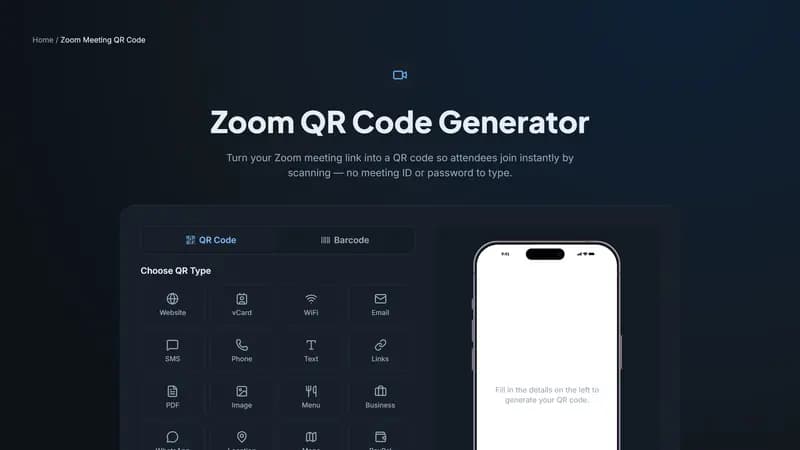
What gets skipped
A Zoom meeting link already includes the meeting ID and passcode encoded into the URL itself — the QR code just captures that full link so scanning it joins the meeting directly, without anyone typing a 10-digit ID or a separate passcode by hand. For meetings with a lot of external or first-time attendees, this alone prevents a noticeable chunk of 'wrong ID' support requests right before start time.
Where this is worth setting up
Printed event programs and conference agendas for sessions that run over video call. Physical signage at a hybrid event, pointing remote attendees to the specific session link for that room. Recurring meeting invitations sent as printed materials — a physical card or poster for a regularly scheduled call, like a weekly community meetup.
One caveat: recurring vs. one-time links
If your Zoom meeting link is for a recurring series with the same ID every time, a printed QR code can be reused indefinitely. If it's a one-time meeting link, the QR code stops working once that meeting is over — fine for a single event program, but don't reuse a one-time meeting's QR code expecting it to work for the next occurrence.
Generate your Zoom QR code
Paste your full Zoom meeting link above and generate the code. Test-scan it yourself before an event to confirm it joins the correct meeting.


Comments (0)
No comments yet — be the first.
Ready to create your Zoom Meeting QR code?
Free, no sign-up, and it works in your browser.
Zoom Meeting QR code generator