

How to Create a QR Code for Your Discord Server Invite
A Discord invite link is easy to share online and clunky to share in person. A QR code fixes the in-person half.
When a Discord QR code actually helps
Sharing a Discord invite link is trivial online — paste it in a bio, a video description, a tweet. It's the in-person and on-screen moments that are awkward: a streamer wants viewers to join mid-broadcast, a convention booth wants to hand out a community link, an event organizer wants attendees to join a server without everyone typing a discord.gg URL by hand. A QR code turns any of those into a two-second scan.
One thing to get right: invite expiry
Discord invite links can expire or hit a maximum use count depending on how they were created. Before generating a QR code meant for long-term use — printed on a poster, embedded in a permanent overlay — create an invite link set to never expire and with no use limit in your server's invite settings, so the QR code doesn't quietly stop working weeks later with no visible sign why.
Where people put these
Stream overlays and end screens, so viewers watching live or on replay can join instantly. Convention and meetup flyers, table tents at gaming events, and the description or pinned comment of community-focused YouTube videos are the other common spots.
Generate your server's QR code
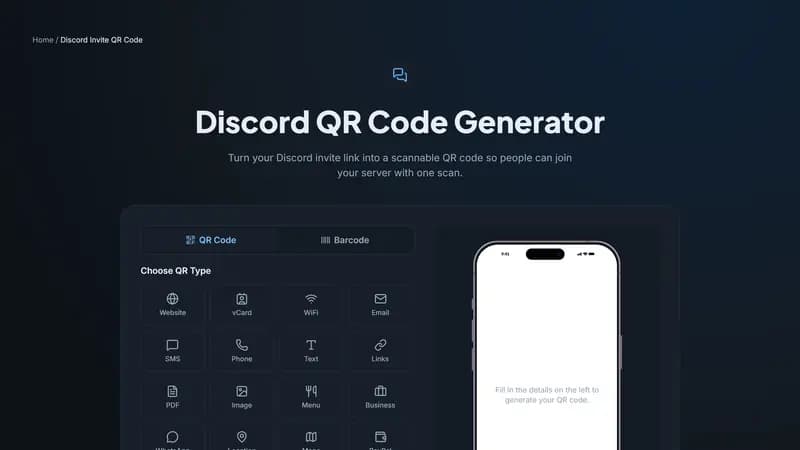
Paste your permanent invite link above, style it to match your server's branding, and download it as a PNG for digital use or an SVG for anything you're printing large, like a banner.


Comments (0)
No comments yet — be the first.
Ready to create your Discord Invite QR code?
Free, no sign-up, and it works in your browser.
Discord Invite QR code generator