

Email QR Codes: Pre-Fill a Message Before Anyone Types a Word
An email QR code doesn't just save someone your address — it can write half the message for them too.
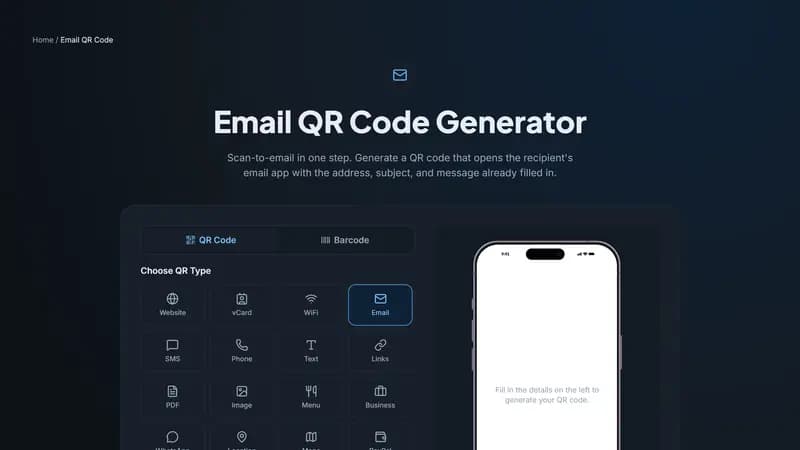
What actually happens when someone scans it
An email QR code encodes a standard mailto: link. When scanned, it opens the device's default email app with a new message already addressed to you — and if you filled them in, the subject line and body text arrive pre-written too. The person just reviews it and hits send, or edits it first.
Where a pre-filled subject and body earn their keep
A pre-filled subject line is the quiet workhorse here: put something like 'Warranty claim — [Product Name]' or 'RSVP for [Event]' in the subject, and every reply that comes in is instantly sortable and searchable in your inbox, without asking anyone to remember to type it themselves.
A short pre-filled body works well for structured requests — 'Please include your order number and the issue you're experiencing' — that nudges people toward giving you what you actually need on the first message instead of a back-and-forth to get basic details.
Common uses
Business cards and email signatures for a contact method that doesn't require retyping an address. Product packaging, for warranty and support requests pre-addressed to the right inbox with the product name already in the subject. Event materials, where an RSVP email arrives with the event name already filled in.
Build your email QR code
Enter the recipient address, and optionally a subject and message, above. The code works with any email app on any phone — there's no dependency on a specific provider like Gmail or Outlook.


Comments (0)
No comments yet — be the first.
Ready to create your Email QR code?
Free, no sign-up, and it works in your browser.
Email QR code generator