

How to Create a QR Code That Links to Your Facebook Page
Getting someone to your Facebook Page from a printed flyer usually means them typing your name into a search bar. A QR code skips that step.
Why this beats printing your page name
Printing 'Find us on Facebook — [Business Name]' relies on the reader remembering the name correctly, searching for it, and picking the right result out of any similarly-named pages. A QR code removes every one of those steps and opens your exact page, every time.
What to link — and what not to
Link directly to your Page URL, not your personal profile or a specific post that will eventually scroll out of relevance. If you're running a specific campaign — a giveaway, a review request — a QR code pointing at that post makes sense temporarily, but your permanent printed materials (signage, packaging, business cards) should point at the main page.
Good places to use it
Storefront window decals asking customers to like the page before they leave. Receipts and packaging inserts, timed right after a positive purchase experience, when someone is most likely to leave a good review. Table tents at restaurants and cafés doing double duty with a menu QR code nearby.
Create your Facebook QR code
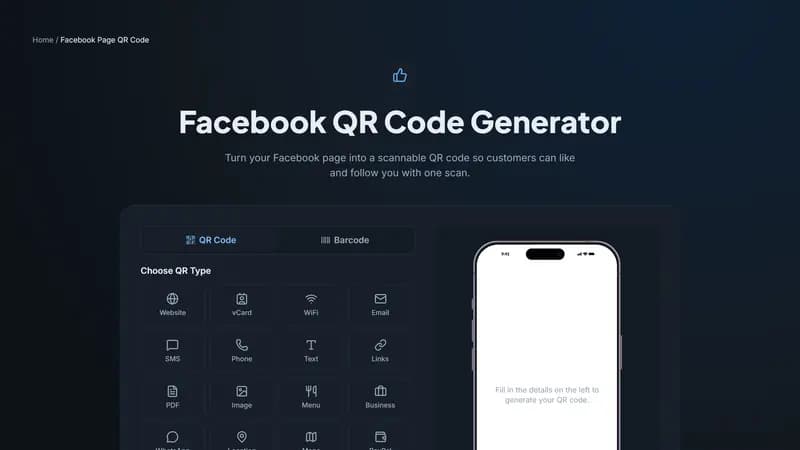
Paste your Page URL above and generate instantly. Add your logo to the center of the code so it's recognizable as yours before anyone even scans it.


Comments (0)
No comments yet — be the first.
Ready to create your Facebook Page QR code?
Free, no sign-up, and it works in your browser.
Facebook Page QR code generator