

LinkedIn QR Codes: Skip the Search, Land on Your Profile
At a conference, 'connect with me on LinkedIn' usually ends with someone typing your name wrong into search. A QR code lands them on your profile directly.
Why this matters more at events than anywhere else
LinkedIn already has its own in-app QR scanner built specifically for exchanging profiles at events, but not everyone knows it exists or has it open in the moment. A generic QR code pointing straight at your profile URL works with any phone's camera, no LinkedIn app requirement, and lands the person exactly where a manual name search often doesn't — especially if you have a common name.
Personal profile vs. company page
Use your personal profile URL for networking — conferences, business cards, resumes. Use your company page URL for materials meant to build the business's following rather than yours personally — booth signage, product packaging, and outbound sales collateral.
Where to actually put it
Business cards and conference badges are the obvious ones. Resumes and portfolio sites also benefit — a recruiter can pull up your work history from a printed resume instantly instead of pausing to type your name. Email signatures round out the list for ongoing professional contact.
Create your LinkedIn QR code
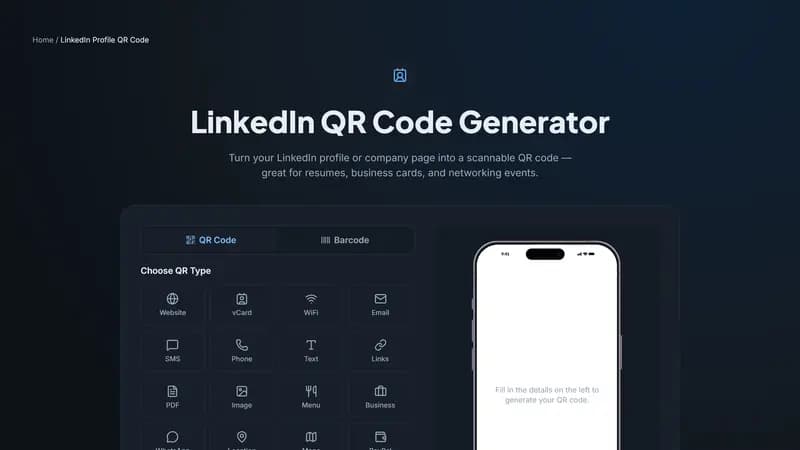
Paste your profile or company page URL above. Keep the design simple and professional — this is one of the few QR use cases where restrained styling reads as more credible than a flashy one.


Comments (0)
No comments yet — be the first.
Ready to create your LinkedIn Profile QR code?
Free, no sign-up, and it works in your browser.
LinkedIn Profile QR code generator