

GPS Location QR Codes: Drop a Pin Anyone Can Scan To
A street address can be ambiguous. GPS coordinates in a QR code point to one exact spot, and open directly in whatever maps app someone already has.
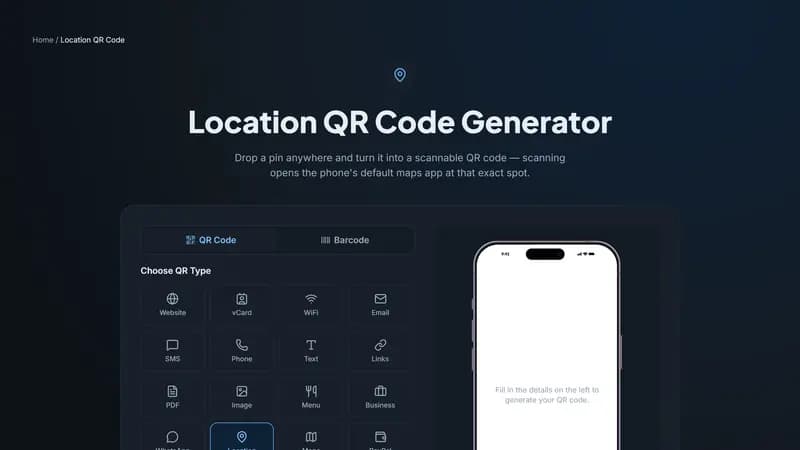
How this differs from a Google Maps QR code
A Location QR code encodes raw latitude and longitude coordinates using a standard geo: URI, which the scanning phone's OWN default maps app opens — Apple Maps on an iPhone, whatever the user has set on Android. A Google Maps-specific QR code instead links to a Google Maps URL, which works everywhere but always opens Google Maps specifically, even for someone who prefers another app. Use raw coordinates when you want to respect whatever maps app the visitor already uses.
Where exact coordinates beat a street address
Trailheads, venue entrances tucked behind a building, farms and rural addresses that don't geocode cleanly, and any location where 'the address' and 'where you actually need to walk to' aren't the same point. Wedding venues with a separate parking area from the entrance are a common case — one QR code for parking, one for the ceremony location.
Getting your coordinates
Drop a pin at the exact spot in any maps app, then copy the latitude and longitude it shows for that pin — most apps display this when you tap and hold a location. Paste those numbers in above rather than typing a street address, which routes through a geocoding lookup that can land slightly off from where you actually mean.
Generate your location QR code
Enter your coordinates above and generate the code. Test it yourself with your own phone's camera before printing anything, to confirm it opens exactly where you expect.


Comments (0)
No comments yet — be the first.
Ready to create your Location QR code?
Free, no sign-up, and it works in your browser.
Location QR code generator