

One-Tap Phone Call QR Codes: How They Work
A phone-call QR code skips typing a number entirely — scan it, tap call, done.
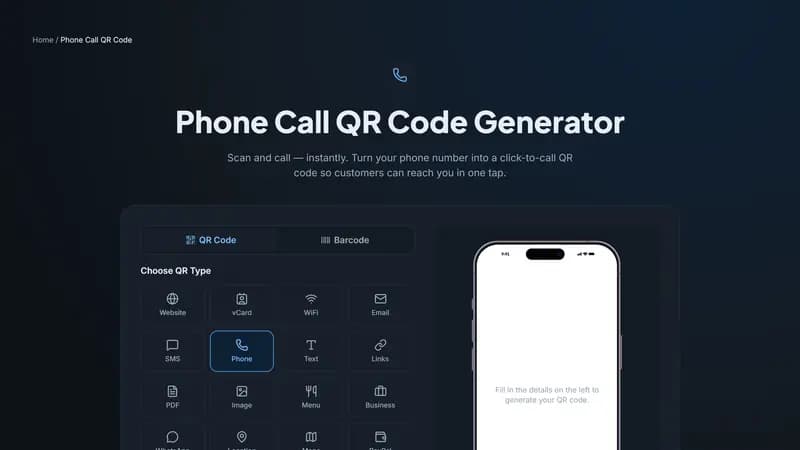
What happens on scan
This type encodes a standard tel: link. Scanning it opens the phone's dialer with your number already entered — the person just taps the call button. Nothing is dialed automatically without their confirmation, so there's no risk of an accidental call.
Where a tap-to-call code genuinely saves friction
Service and delivery vehicles, where a passerby wants to call about a service but isn't going to pull over to type a number from a moving van. Signage for maintenance requests — 'scan to report an issue' — at apartment buildings and facilities. Support desks and help signage in retail, where a phone call gets a faster answer than an email would.
Include the country code
Enter your number in full international format (with the country code, like +1 for the US) rather than a local format — this ensures the code dials correctly for anyone scanning it, including from a phone set to a different regional format than yours.
Create your call QR code
Enter your number above in international format and generate the code. It works identically on iPhone and Android — both recognize the same tel: link format.


Comments (0)
No comments yet — be the first.
Ready to create your Phone Call QR code?
Free, no sign-up, and it works in your browser.
Phone Call QR code generator