

How to Create a QR Code for Your Google Play Store App
A QR code to your Play Store listing removes the single biggest drop-off point in mobile app marketing: someone searching for your app and not finding it.
The problem this solves
Telling someone to 'search for [App Name] on the Play Store' assumes they spell it right, that your app ranks well enough to appear near the top, and that they pick your listing over a similarly-named competitor or clone. A QR code linking directly to your Play Store URL removes all three points of failure — they land on your exact listing, guaranteed.
Where to put it
App landing pages and marketing sites, as a mobile-friendly alternative to a plain 'Download on Google Play' button when someone is viewing on desktop but wants to grab the app on their phone. Print ads, packaging, and physical retail displays for apps tied to a physical product. Event booths and conference materials for app launches.
A note on iOS users
This QR type links specifically to Google Play, so it's meant for materials where your audience is known to be on Android, or alongside a separate App Store QR code for iPhone users. Putting a Play Store link in front of an iPhone user just leads to a dead end, so pair the two when your audience is mixed.
Generate your Play Store QR code
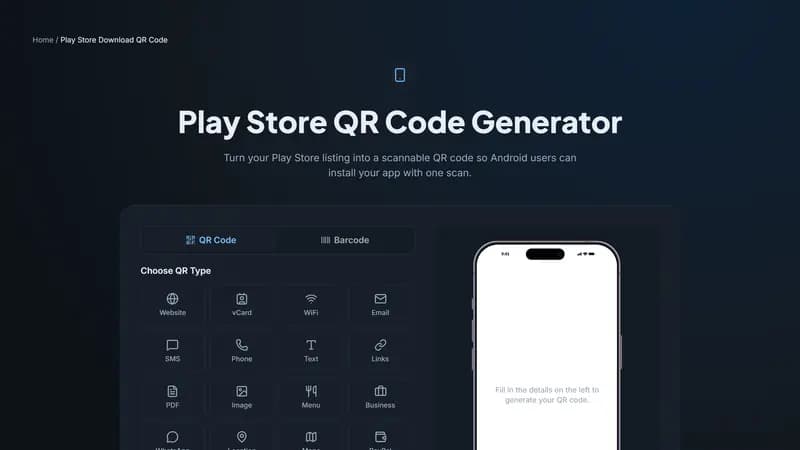
Paste your app's Play Store URL above, style it with your app icon's colors, and download it ready for your marketing materials.


Comments (0)
No comments yet — be the first.
Ready to create your Play Store Download QR code?
Free, no sign-up, and it works in your browser.
Play Store Download QR code generator