QR Codes for Events & Virtual Meetings: Calendar Invites, Zoom & Video
An invitation that has to be manually copied into a calendar gets forgotten. A QR code that adds it in one scan doesn't.
Why events benefit from scan-to-add and scan-to-join
Every extra step between "I got invited" and "it's actually in my calendar" loses people. A QR code that adds the event directly, or joins the meeting directly, removes the step where someone means to do it later and never does.
Event / Calendar QR codes
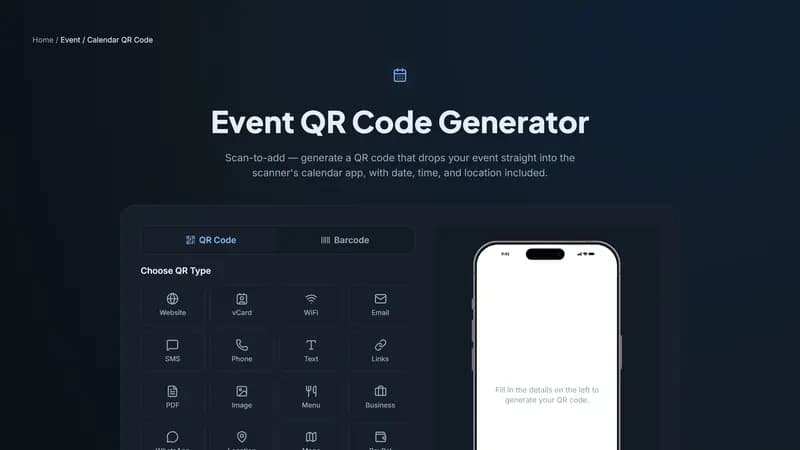
Fill in a title, location, start and end time, and an optional description, and scanning the code adds the event straight into the scanner's calendar app — no manual entry, no risk of the wrong date getting copied down. It's a strong fit for invitations, tickets, and any event signage where you want attendees to actually show up.
Zoom QR codes
Paste your Zoom meeting link and the code skips the part where someone has to type a meeting ID and password from a printed agenda or slide. Since a recurring meeting's link stays the same across occurrences, one QR code keeps working for every future session too.
Video QR codes
For a pre-event teaser, a speaker's demo reel, or a recording shared afterward, a Video QR code opens the linked video directly. Unlike Event and Zoom, this one is dynamic — you can swap the linked video after the code is printed, so a "save the date" teaser can become the actual recap video without printing anything new.
Where to print these
Invitations and save-the-dates, event badges and lanyards, registration desks, and any slide or agenda shown before a virtual session all work well.
Getting started
Use Event for calendar invites, Zoom for meeting links, and Video for anything you want people to watch — all three are ready to generate above, and Event and Zoom need no account at all.


Comments (0)
No comments yet — be the first.
Ready to create your Event / Calendar QR code?
Free, no sign-up, and it works in your browser.
Event / Calendar QR code generator