QR Codes for Location & Directions: GPS Pins vs Google Maps
"Scan for directions" beats a printed address every time — no typing, no typos, no wrong turn. Here's the difference between the two ways to do it.
Why "scan for directions" beats a printed address
A printed address asks someone to open a maps app, type it in correctly, and hope autocomplete finds the right place. A location QR code skips straight to turn-by-turn directions the moment it's scanned — no typing, and no risk of a typo sending someone to the wrong side of town.
Location (GPS pin) QR codes
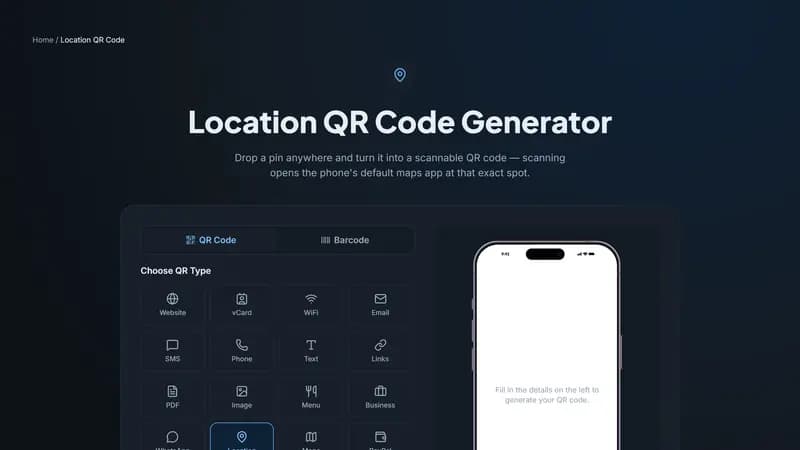
This type encodes exact latitude and longitude coordinates. Scanning it opens the phone's default maps app — Apple Maps on iPhone, whichever app the user has set as default on Android — dropped precisely on that spot. It's the most accurate option, and the right choice for anywhere a street address is ambiguous or doesn't quite pin down the exact entrance, gate, or venue location.
Google Maps QR codes
This type takes a typed address or place name and always opens specifically in Google Maps as a search. It's slightly less precise than a GPS pin, but easier to set up — you don't need to look up coordinates first — and it guarantees Google Maps specifically opens, which matters if you want Google reviews and business listing details to show up alongside the directions.
Which one should you use?
Use a GPS Location QR code for anything where exact positioning matters and you're comfortable grabbing coordinates from Google Maps first: event signage pointing to a specific gate, a parking entrance, or a spot with no clean street address.
Use a Google Maps QR code when a normal address or business name is enough, and you'd rather skip the coordinate lookup — storefronts, invitations, and most everyday business signage.
Getting started
For a GPS pin, open the spot in Google Maps, long-press to drop a marker, and copy the coordinates shown at the top into the Location generator above. For a standard address, just type it directly into the Google Maps generator — no coordinate lookup needed.


Comments (0)
No comments yet — be the first.
Ready to create your Google Maps QR code?
Free, no sign-up, and it works in your browser.
Google Maps QR code generator