

How to Create a QR Code That Links to Your TikTok Profile
TikTok has its own in-app QR scanner for exactly this, but a QR code you control works everywhere else too — packaging, print, other platforms.
Why make your own instead of using TikTok's
TikTok generates a scannable profile code inside its own app, but that code only works well when someone is already using TikTok's built-in scanner — it's not designed for print materials, packaging, or general-purpose camera apps the way a standard QR code is. A QR code you generate yourself opens with any phone camera and works identically on packaging, flyers, or a website.
Where creators and brands use this
Product packaging, pointing customers to behind-the-scenes or how-to-use content on the brand's TikTok. Print ads and posters for creators promoting a TikTok presence through offline channels. Cross-platform promotion — a QR code in a YouTube video description or Instagram bio link pointing traffic toward TikTok specifically.
Generate your TikTok QR code
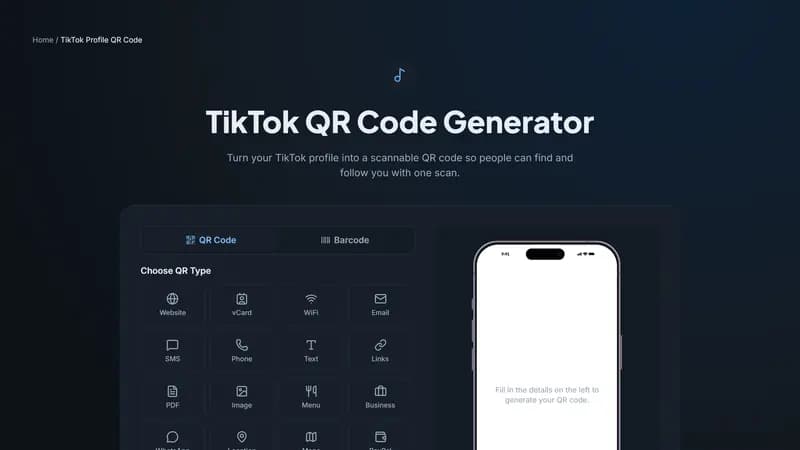
Paste your TikTok profile URL above, add your brand colors, and download the code. Keep the design bold and on-brand — TikTok's audience skews toward visual, high-energy design over minimalist styling.


Comments (0)
No comments yet — be the first.
Ready to create your TikTok Profile QR code?
Free, no sign-up, and it works in your browser.
TikTok Profile QR code generator