Barcode vs QR Code: Which Should You Use in 2026?
They both do the same basic job — encode information for a fast scan — but they're built for genuinely different problems. Here's how to pick correctly the first time.
Two different technologies solving two different problems
Barcodes and QR codes both exist to let a machine read information faster and more accurately than a human typing it in — but they were built roughly 40 years apart, for different jobs, and the gap between them is bigger than most people assume.
A traditional barcode (technically a 1D or "linear" barcode) is a series of parallel lines of varying width. A QR code is a 2D matrix — a grid of black and white squares that encodes data both horizontally and vertically. That single structural difference is the source of almost every practical distinction between them.
Data capacity: the biggest practical difference
A 1D barcode like UPC-A or EAN-13 typically holds somewhere between 8 and 20 characters — usually just a numeric product ID that a database looks up to find the actual product details. Code 128, one of the more flexible linear formats, can stretch to around 80 characters of text.
A QR code can hold up to roughly 4,296 alphanumeric characters. That's enough for a full URL, an entire vCard contact record, WiFi credentials, or several paragraphs of plain text — all without needing a database lookup at all, since the data lives directly in the code.
What each one is actually built for
Barcodes were built for retail point-of-sale and inventory: a fast, cheap, extremely reliable way to look up a product ID at checkout or on a warehouse shelf. That's still what they do best today — every retail scanner, every point-of-sale system, and most inventory software is built around 1D barcode formats like UPC-A, EAN-13, and Code 128.
QR codes were built (originally for automotive parts tracking in Japan in 1994) to hold more data and survive more damage. Today they're used far more often for marketing and information delivery — connecting a physical object to a website, a WiFi network, a contact card, or a payment page — because unlike a barcode, the destination content can be genuinely rich.
Scanning: orientation, damage tolerance, and equipment
A linear barcode must be scanned in reasonable alignment with the scanner — rotate it 90 degrees and older laser scanners can struggle, though most modern camera-based scanners handle this fine. A QR code can be scanned from any angle, including upside down, because its finder patterns (the three squares in the corners) let a scanner orient it instantly regardless of rotation.
QR codes also include built-in error correction — up to 30% of the code can be obscured, smudged, or damaged and it will often still scan correctly. Standard 1D barcodes have no equivalent error correction; damage to a barcode's lines usually means a failed scan.
On equipment: barcodes can be read by cheap dedicated laser scanners that have been standard retail hardware for decades. QR codes need a camera-based scanner or a smartphone camera — which, in 2026, essentially everyone already carries, closing what used to be a real equipment-cost gap.
Cost and standards compliance
If you're selling a physical product through retail channels, this decision usually isn't really optional: retailers and distributors require a GS1-standard barcode (EAN-13 or UPC-A) to list a product at all, since their point-of-sale and inventory systems are built around those formats. There's no meaningful "QR code instead" option here — the barcode is a supply-chain requirement, not a design choice.
Outside of retail listing requirements, both are essentially free to generate. The real cost difference is downstream: barcodes usually integrate with existing inventory or POS software that already expects that format, while QR codes usually integrate with whatever web page or hosted content you point them at.
When to use a barcode
Use a barcode when you're listing a product for retail sale (EAN-13/UPC-A are typically mandatory), tracking inventory or assets in a warehouse (Code 128 or Code 39 are common), labeling shipping cases or pallets (ITF-14 is the standard), or integrating with existing point-of-sale or logistics software that already expects a linear barcode format.
When to use a QR code
Use a QR code when you want to connect a physical object to digital content — a website, a menu, a WiFi network, a contact card, a payment page, a social profile — or anywhere you need more than a simple ID number encoded, or want the code scannable from any angle or with a smartphone rather than dedicated scanning hardware.
Can you use both together?
Yes, and many businesses do. It's common for product packaging to carry both: a UPC barcode for the checkout scanner and inventory system, and a separate QR code linking to a product page, warranty registration, or care instructions. They're not competitors — they solve different halves of the same shelf.
A practical decision framework
If you're still unsure which to generate, walk through these questions in order: Does a retailer, distributor, or existing system require a specific format? If yes, that answers it regardless of preference. If no — do you need to encode more than a simple ID number (a URL, contact details, WiFi credentials)? If yes, use a QR code. Is this for internal inventory or asset tracking with existing barcode-scanning hardware already in place? If yes, a linear barcode (typically Code 128) fits that existing workflow. Otherwise, for anything consumer-facing and informational, a QR code is almost always the right default in 2026.
Future trends worth knowing about
GS1 has been actively promoting a transition toward 2D barcodes (specifically GS1 DataMatrix and GS1 Digital Link-enabled QR codes) at retail point-of-sale over the next several years, aiming to eventually let a single 2D code carry both the traditional GTIN for checkout and a consumer-facing web link for product information — potentially reducing the need for separate barcode and QR code placements on the same package. This transition (sometimes called "Sunrise 2027" in industry discussions) is still in its early stages industry-wide, but it's a sign that the sharp line between "checkout barcode" and "marketing QR code" may blur somewhat over the coming years, even as the underlying technical distinctions covered in this article remain true.
A closer look: manufacturing and logistics
In a manufacturing or logistics operation, the choice usually isn't really a choice at all — it's dictated by what the rest of the supply chain already expects. A manufacturer shipping cases to a distributor needs an ITF-14 case barcode; the distributor's warehouse management system needs Code 128 or GS1-128 on individual cartons for putaway and picking; and if the product eventually reaches retail shelves, it needs an EAN-13 or UPC-A on the consumer unit itself. All three can exist on the same physical chain of packaging without conflict, because each barcode identifies a different level of the product hierarchy — unit, case, and pallet.
A QR code doesn't really compete in this specific layer of the chain, because none of these systems are designed to parse QR-encoded data the way they parse a GS1-standard linear barcode. Where QR codes do show up in logistics is adjacent to this system — a QR code on a shipping label linking to a tracking page for the end customer, printed alongside (not instead of) the actual GS1 barcode the warehouse scans.
A closer look: retail marketing
On the retail marketing side, the roles essentially reverse. The UPC or EAN barcode on a product's packaging is invisible to the customer's actual buying experience — it exists purely for the checkout scanner and inventory system, and a shopper never interacts with it directly. A QR code placed elsewhere on the same packaging is the customer-facing layer: a link to a how-to video, a loyalty signup, a review page, or a restock notification.
This is why it's common, and sensible, to see both codes on the same box: one doing invisible operational work, the other doing visible marketing work, without either one needing to also perform the other's job.
A brief history: why these formats emerged decades apart
The linear barcode dates to the early 1970s, developed specifically to speed up supermarket checkout — the UPC standard was formally adopted in 1974, and the first product ever scanned commercially was a pack of chewing gum. QR codes came two decades later, in 1994, developed by Denso Wave (a subsidiary of Toyota) to track automotive parts through manufacturing, at a time when 1D barcodes' limited data capacity had become a genuine bottleneck for parts with more complex identification needs.
That twenty-year gap matters for understanding why they coexist rather than one replacing the other: QR codes weren't built to replace retail barcodes at the checkout counter, they were built to solve an entirely different problem that arose later, in a different industry, with different constraints.
The role of open standards in both formats' success
Neither format is proprietary — Denso Wave made the QR code specification open and royalty-free from the start (retaining only the patent on the reading process itself, not the code structure), and GS1's barcode standards are similarly open for anyone to implement. This openness is a major reason both formats became genuinely universal rather than fragmenting into competing incompatible standards the way some other technologies have — any scanner manufacturer, any software developer, and any business can generate or read either format without licensing fees.
Frequently asked questions
Can a single code be both a barcode and a QR code? No — they're fundamentally different symbologies with different scanning requirements. Some designs place both side by side on the same label, but a single graphic can't function as both simultaneously.
Do all smartphone cameras read both formats equally well?
Modern smartphone cameras read QR codes natively as part of the camera app, with no separate software needed. Reading a 1D barcode with a phone camera generally requires a dedicated scanning app, since barcode reading isn't as universally built into default camera software as QR recognition is — which is part of why QR codes dominate consumer-facing, scan-with-your-phone use cases.
Is one of these formats considered more secure than the other?
Neither format has an inherent security advantage — both are simply containers for data, readable by anyone with the right scanner or app. Any security consideration (like verifying a QR code's destination before scanning something from an untrusted source) applies to what the code points to, not the underlying format itself.
How each format handles being copied or counterfeited
Neither a barcode nor a QR code, on its own, prevents someone from photographing or reprinting a legitimate code — the pattern itself carries no built-in authentication. Genuine anti-counterfeiting protection comes from what's built on top of the code, not the code format itself: a unique serial number per unit (rather than one shared code across an entire product line) combined with a server-side check that flags a serial number as already "used" the first time it's verified, is the actual mechanism brands use to catch counterfeits — and this pattern works whether the underlying symbology is a QR code or a GS1-128 barcode.
Which one is cheaper to print at scale?
Printing cost differences between the two are negligible at any real scale — both are printed using the same commercial printing processes, and neither format requires meaningfully more ink or specialized equipment than the other. Cost differences in practice come from label size and material choice, not the barcode type itself.
Getting started
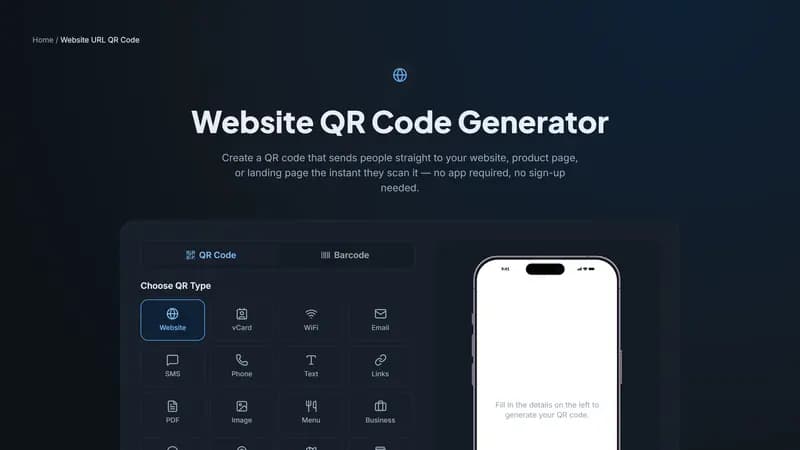
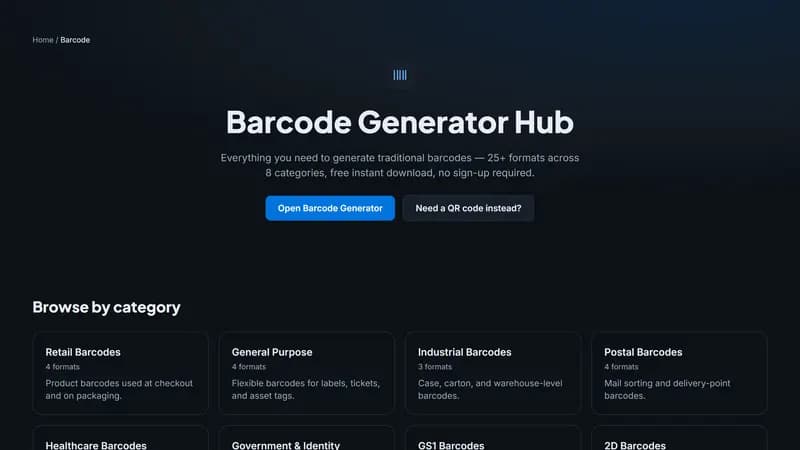
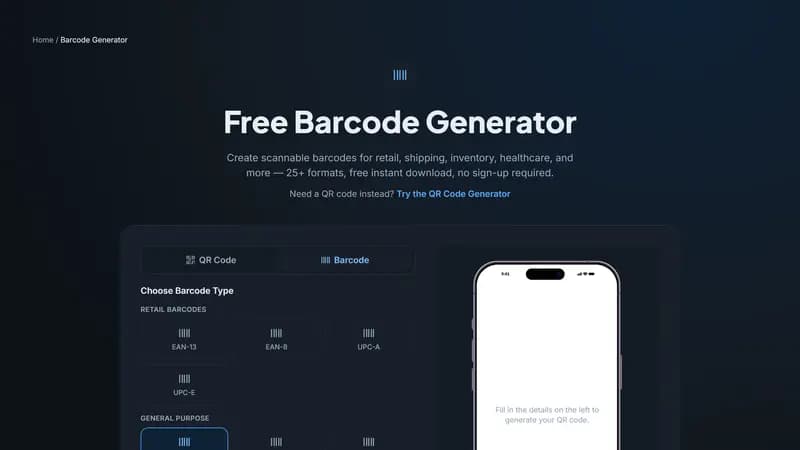
If you need a retail-compliant product barcode, use our Barcode Generator to create an EAN-13, UPC-A, or Code 128 barcode with instant PNG, SVG, or PDF download. If you need to connect a scan to digital content instead, the QR Code Generator above covers websites, contact cards, WiFi, payments, and more.


Comments (0)
No comments yet — be the first.
Ready to make one of your own?
Free, no sign-up, and it works in your browser.
Try the Barcode Generator