

SMS QR Codes: Pre-Fill a Text Message with a Scan
An SMS QR code doesn't send a text automatically — it just gets someone one tap away from sending exactly the message you need from them.
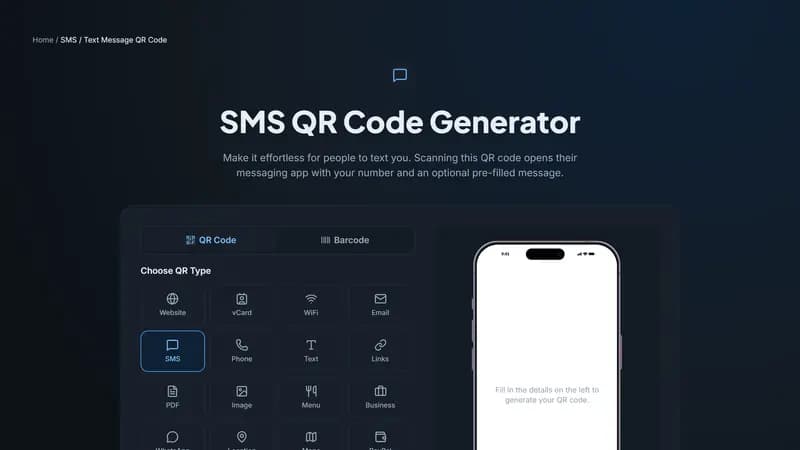
How it works
This type encodes an SMS link with your phone number and, optionally, pre-filled message text. Scanning it opens the phone's default messaging app with everything ready to go — the person reviews it and taps send, or edits the text first. Nothing sends without them confirming.
Pre-filled text is the whole point
The real value here is the message text, not just the number. A pre-filled 'JOIN' or 'START' keyword is exactly how SMS opt-in marketing and two-way texting services work — the QR code guarantees the exact keyword arrives correctly instead of relying on someone typing it themselves and getting it wrong.
Common uses
SMS marketing opt-ins at retail counters and events, where a keyword text subscribes someone to updates. Quick contact for services that operate primarily over text rather than phone calls or email. Contest and giveaway entries that ask for a specific text keyword to participate.
Generate your SMS QR code
Enter your number and, if you want one, the exact message text above. Test-scan it yourself first to confirm the message appears exactly as intended before it goes out on printed materials.


Comments (0)
No comments yet — be the first.
Ready to create your SMS / Text Message QR code?
Free, no sign-up, and it works in your browser.
SMS / Text Message QR code generator