QR Codes for Payments: PayPal, UPI, and Crypto Explained
No card reader, no POS terminal, no app to install for the customer — just a code and a scan. Here's how QR payments actually work across PayPal, UPI, and crypto.
Why QR codes became a real payment method
A payment QR code skips the two things that make card readers expensive and clunky: hardware and setup. There's no terminal to buy, no card-network agreement to sign, and nothing for the customer to install — their existing banking or wallet app already knows how to read the code.
That's why they've taken off fastest in exactly the settings a card reader is overkill for: markets, pop-up shops, food trucks, invoices, tip jars, and peer-to-peer payments between people who'd never bother setting up a merchant account.
PayPal QR codes
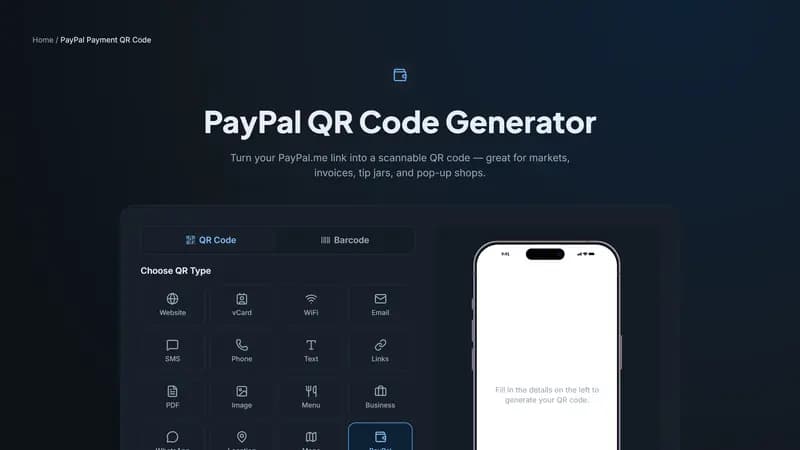
A PayPal QR code is just your PayPal.me link turned into a scannable code. Anyone with a PayPal account can scan it, land on your payment page, and send money — optionally with the amount already fixed if you set one when generating the code.
It works globally wherever PayPal operates, which makes it a reasonable default for freelancers, small sellers, and anyone invoicing international clients.
UPI QR codes (India)
UPI (Unified Payments Interface) is the backbone of digital payments in India, and a UPI QR code works with essentially every major banking app — Google Pay, PhonePe, Paytm, BHIM, and your own bank's app. Scanning it opens a payment screen pre-filled with your UPI ID (VPA), and optionally a fixed amount.
For shops and stalls, this is often faster than cash: no change to make, no card machine fees, and the payment confirms instantly on both sides.
Bitcoin and crypto wallet QR codes
A Bitcoin or crypto wallet QR code encodes your public receiving address — the one piece of information anyone needs to send you funds. Scanning it in a compatible wallet app pre-fills the address (and the amount, if you set one), removing any risk of a mistyped address, which is otherwise the single biggest source of lost crypto payments.
It's worth saying plainly: a receiving address is meant to be public. Sharing it in a printed QR code never exposes your private keys and never lets anyone withdraw funds — it only lets people send money to you.
Static, and that's fine
Every payment type here (PayPal, UPI, Bitcoin, crypto wallet) is a static QR code — your account details don't change often, so there's no need for a redirect layer. That also means no sign-up is required to generate and download any of them.
Getting started
Pick the payment method your customers already use — PayPal for global reach, UPI for India, Bitcoin or another coin for crypto-native audiences — fill in your details above, and download. Print it at the counter, on an invoice, or next to a tip jar.


Comments (0)
No comments yet — be the first.
Ready to create your PayPal Payment QR code?
Free, no sign-up, and it works in your browser.
PayPal Payment QR code generator