

vCard QR Codes: The Modern Way to Share Your Business Card
Paper business cards get lost in wallets and drawers. A vCard QR code goes straight into someone's contacts app.
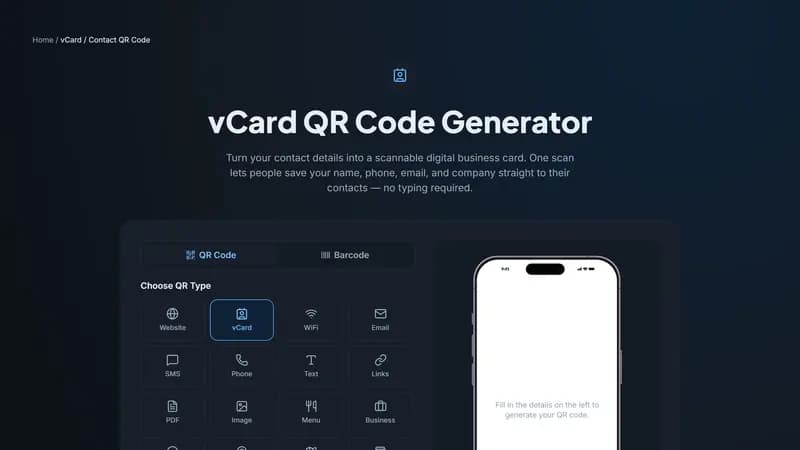
What is a vCard QR code?
A vCard is a standard file format for contact information — name, phone, email, company, and website. When you encode a vCard into a QR code, scanning it prompts the phone to save that contact directly, with no app or internet connection required.
Why it beats a paper business card
Paper cards get thrown away. A vCard QR code, printed on your card, badge, or email signature, takes the exact same information and makes it one scan away from living permanently in someone's phone.
It also works completely offline — the contact data is encoded directly into the QR pattern itself, so there's nothing to load or download.
Where to use a vCard QR code
Printed business cards and conference badges
Email signatures — as a small embedded image
Storefront windows and reception desks
LinkedIn banners or portfolio sites
Creating your vCard QR code
Head to the vCard QR code generator, fill in your name, company, title, phone, email, and website, then customize the colors to match your brand. Download it free — no account required for the static version.


Comments (0)
No comments yet — be the first.
Ready to create your vCard / Contact QR code?
Free, no sign-up, and it works in your browser.
vCard / Contact QR code generator