

WiFi QR Codes: Stop Typing Out Passwords for Guests
Spelling out a 16-character WiFi password to every guest gets old fast. There's a better way.
The problem with sharing WiFi passwords
Long, secure passwords are great for security and terrible for guest experience. Reading out a mixed-case, symbol-filled password over and over is a small daily frustration for cafés, offices, and Airbnb hosts alike.
How a WiFi QR code works
A WiFi QR code encodes your network name (SSID), password, and encryption type directly into the code. When a guest scans it with their phone camera, the device offers to join the network immediately — no typing involved.
Where to put your WiFi QR code
Table tents in cafés and restaurants
Framed near the router in an Airbnb or guest room
Reception desks and meeting rooms
Event check-in stations
Create your free WiFi QR code
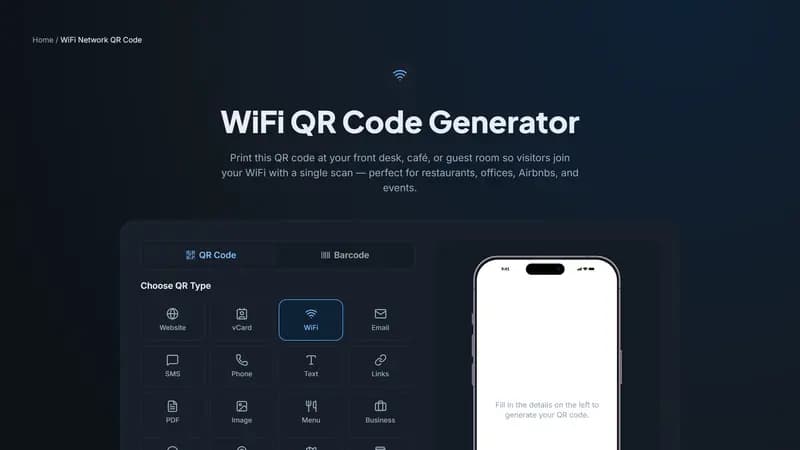
Open the WiFi QR code generator, enter your network name and password, choose your encryption type (WPA is standard for most home and business routers), and download instantly.


Comments (0)
No comments yet — be the first.
Ready to create your WiFi Network QR code?
Free, no sign-up, and it works in your browser.
WiFi Network QR code generator